

Traveling in South Korea is much easier when you have the right apps on your phone.
You may need one app for directions, another for translation, and different apps for messaging, taxis, restaurant reservations, train tickets, or food delivery. Many apps commonly used in the United States do not provide the same level of service in Korea, while some Korean apps can be difficult for international travelers to navigate.
The good news is that more Korean travel services now offer English-language options, international payment methods, and easier access for visitors without a Korean phone number.
Here are the essential apps American travelers should consider downloading before traveling to Korea.
Quick List of Essential Korea Travel Apps
- Naver Map: Directions, public transportation, restaurants, and local businesses
- Papago: Korean translation, conversations, menus, and signs
- KakaoTalk: Messaging, reservations, notifications, and access to Kakao services
- k.ride: Foreigner-friendly taxi service
- Kakao T: Korea’s widely used taxi app
- Baemin: Korean food delivery with options for international travelers
- Shuttle Delivery: English-friendly food delivery without a Korean phone number
- Coupang Eats: English menus and food delivery with eligible overseas cards
- Catchtable Global: Restaurant reservations and waitlists
- KORAIL Website: Intercity train schedules and tickets
You probably will not need every app on this list. Naver Map, Papago, and at least one taxi app are the most important ones to install before leaving the United States. The other apps can be added depending on your travel plans.
1. Naver Map: The Most Important Navigation App
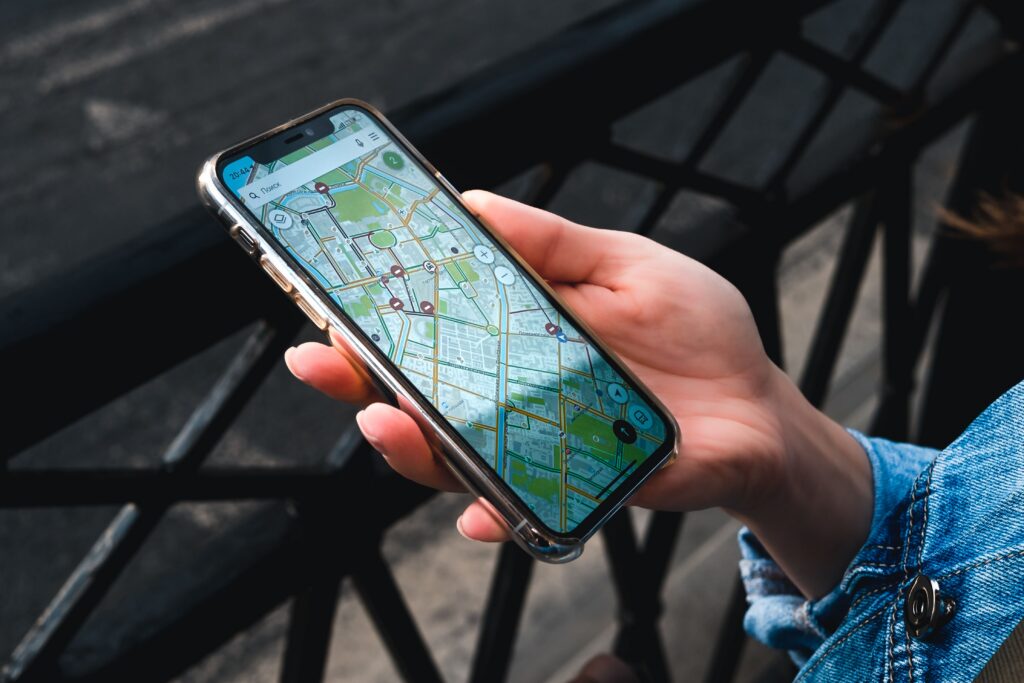
Naver Map is one of the most useful apps you can have while traveling in Korea.
Google Maps can help you locate major landmarks, but its directions and local business information may not be as complete in South Korea. Naver Map provides detailed walking routes, subway information, bus routes, estimated travel times, and local business listings.
You can use Naver Map to:
- Find subway and bus routes
- Check subway station exit numbers
- View estimated arrival times
- Find restaurants, cafés, pharmacies, and stores
- Check business hours
- Save places you want to visit
- View photos and local reviews
- Estimate taxi fares and travel times
Naver Map supports English, although some restaurant names, addresses, menus, and reviews may still appear in Korean.
Naver Map Tip
If you cannot find a small restaurant or café by typing its English name, copy the Korean name or address from the restaurant’s website, Instagram page, or Google search results and paste it into Naver Map.
Searching with the Korean name usually produces more accurate results.
2. Papago: The Best Translation App for Korea
Papago is a translation app developed by Naver and is especially useful for translating between Korean and English.
You can type or speak into the app, but its camera and image translation features are particularly helpful while traveling.
Use Papago to translate:
- Restaurant menus
- Subway and bus signs
- Product labels
- Notices at hotels or stores
- Messages from taxi drivers
- Short conversations
- Korean websites
For example, you can take a picture of a Korean menu and use Papago to identify unfamiliar dishes. You can also speak an English sentence into the app and show the Korean translation to a restaurant employee, taxi driver, or pharmacist.
If an offline language option is available on your device, download the Korean and English language data before your trip. This can be helpful when your internet connection is weak.
3. KakaoTalk: Korea’s Most Widely Used Messaging App

KakaoTalk is the most widely used messaging app in South Korea.
You do not need KakaoTalk for every part of your trip, especially if you already use text messaging, WhatsApp, or another messaging service with your travel companions.
However, KakaoTalk can be useful when communicating with Korean family members, friends, accommodations, tour operators, clinics, beauty salons, and other local businesses.
KakaoTalk may also be used to:
- Exchange messages with Korean contacts
- Receive reservation or waiting-list notifications
- Contact businesses through their KakaoTalk channels
- Receive photos, directions, and location information
- Create a Kakao account for services such as Kakao T
- Access customer-service channels
International travelers can generally create a KakaoTalk account using an overseas mobile number.
Download and set up the app before leaving the United States so you have time to receive the verification code and review your privacy settings.
Do All Travelers Need KakaoTalk?
Not necessarily.
If you do not have Korean contacts and plan to use k.ride instead of Kakao T, you may not use KakaoTalk very often.
However, it is worth considering if you are visiting family, making appointments, joining local tours, or communicating with Korean businesses.
If you only need a taxi app, k.ride may be easier because it does not require you to create a KakaoTalk account.
4. k.ride: A Taxi App Designed for International Travelers
k.ride is operated by Kakao Mobility, the same company behind Kakao T. It was designed specifically for international visitors.
The app makes it easier to request a taxi without creating a traditional Kakao account. It supports English and allows international travelers to register eligible overseas credit cards.
With k.ride, you can:
- Search for destinations in your preferred language
- See an estimated fare before requesting a taxi
- Select from different vehicle types
- View the driver’s information and license plate number
- Communicate with the driver through translated messages
- Pay through the app using an eligible international payment method
For many American visitors, k.ride may be easier to set up than Kakao T.
However, you do not always need an app to find a taxi in Korea.
Taxi stands are commonly found outside major train stations, subway stations, department stores, hotels, airports, and other busy locations.
5. Kakao T: Korea’s Most Widely Used Taxi App
Kakao T is one of the most widely used taxi apps in Korea.
It provides access to regular taxis, larger vehicles, and premium taxi options. The app also shows the driver’s name, license plate number, estimated arrival time, and route.
Kakao T can be useful if you already have a Kakao account or plan to use KakaoTalk during your trip.
Depending on your account and payment setup, registering and using an overseas card may not always be as simple as it is with k.ride. If the in-app payment option does not work, look for an option that allows you to pay the driver directly.
Many Korean taxis accept credit cards, but carrying a backup card and a small amount of Korean won is still a good idea.
American travelers who already use Uber can also check the Uber app in Korea. The taxi you receive may be a locally licensed Korean taxi rather than the same type of rideshare vehicle you may expect in the United States.
6. Baemin: Experience Korea’s Food Delivery Culture
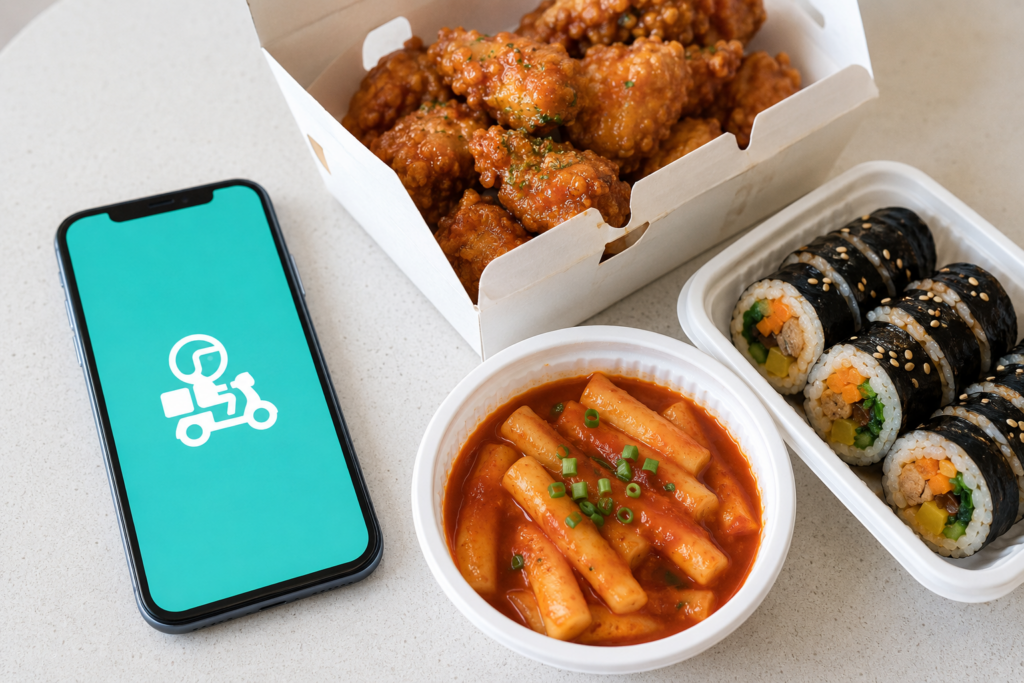
South Korea is famous for its fast and convenient food delivery culture.
Korean residents use delivery apps to order fried chicken, pizza, tteokbokki, gimbap, coffee, desserts, groceries, convenience-store products, and many other items.
Delivery is available not only to homes but also to many hotels, offices, and designated outdoor locations.
Baemin, also known as Baedal Minjok, is one of Korea’s largest food delivery platforms.
In the past, ordering through major Korean delivery apps could be difficult for short-term visitors. Apps often required a Korean phone number, a Korean account, or a locally issued payment method.
Baemin now provides options for foreign visitors, including ordering without a Korean phone number and paying with eligible foreign-issued credit cards and global payment methods.
Tips for Ordering Delivery at a Hotel
Before placing an order:
- Ask whether the hotel allows outside food delivery
- Enter the complete Korean address
- Include the hotel name
- Add your room number only if the hotel allows delivery to the room
- Be prepared to meet the driver in the lobby or outside
- Keep your phone nearby in case the restaurant or driver contacts you
- Use Papago if you receive a message in Korean
Many hotels do not allow delivery drivers to go directly to guest rooms. The safest plan is to meet the driver in the lobby or at the main entrance.
7. Shuttle Delivery: A Foreigner-Friendly Alternative
Shuttle Delivery is another useful option for travelers who do not have a Korean phone number or Korean bank account.
It was designed with international users in mind and offers:
- An English-language interface
- Registration without a Korean phone number
- Payment with international credit cards
- PayPal and other supported payment options
- English-language customer support
- Restaurant and grocery delivery
Shuttle Delivery can be easier for a first-time visitor to navigate than a Korean-language delivery app.
The main limitation is coverage. It may not serve every neighborhood or city, and its restaurant selection can be smaller than that of Korea’s major domestic delivery platforms.
Check the delivery address before spending time choosing your food.
8. Coupang Eats: Another Food Delivery Option
Coupang Eats is another major food delivery app used in Korea.
The app offers English-language menus and accepts certain foreign-issued cards, including eligible Visa and Mastercard cards. This can make it a possible option for international travelers.
Some foreign visitors have reported successfully creating or verifying an account with an overseas phone number. However, phone verification and account access may vary depending on the user’s device, phone number, location, and account setup.
For this reason, travelers should not assume that Coupang Eats will always work without a Korean phone number.
Coupang Eats may be worth trying if:
- You can receive an SMS verification code on your U.S. phone
- Your overseas credit card is accepted
- The app provides service at your hotel or accommodation
- You want to compare restaurants, prices, and delivery times
If phone verification does not work, try Baemin’s foreigner ordering option or Shuttle Delivery instead.
Is Coupang Eats the Same as Coupang Shopping?
No. Coupang Eats is primarily used for restaurant food delivery, while the regular Coupang app is an online shopping platform similar to Amazon.
The regular Coupang app sells groceries, household products, clothing, beauty products, electronics, and many other items.
Some international travelers may be able to use the regular Coupang service with an overseas card. However, account verification, Korean address entry, phone requirements, and access to services such as Rocket WOW or Rocket Fresh may vary.
For a short vacation, regular Coupang shopping is usually not an essential travel app. It may be more useful for long-term visitors or travelers staying at the same address for an extended period.
Which Food Delivery App Is Best for Tourists?
| App | Best For | Korean Phone Number | International Payment | Main Limitation |
|---|---|---|---|---|
| Baemin | Large restaurant selection and a local delivery experience | Not required through its foreigner ordering option | Eligible overseas cards and global payment options | Some parts may still be difficult to navigate |
| Shuttle Delivery | The easiest English-language experience | Not required | International cards and PayPal | Limited coverage and restaurant selection |
| Coupang Eats | Comparing another large selection of restaurants | Overseas phone verification may work, but is not guaranteed | Certain foreign Visa and Mastercard cards | Verification and access can vary |
If Baemin works at your location and you can navigate its foreigner ordering process, it may provide the largest selection.
If you want a simpler English-language experience without Korean phone verification, try Shuttle Delivery.
Coupang Eats is a useful additional option, but it is a good idea to have Baemin or Shuttle Delivery available as a backup.
App features, payment options, and service areas can change, so confirm the current requirements before placing an order.
9. Catchtable Global: Restaurant Reservations and Waitlists
Some popular Korean restaurants require reservations or have long waiting lists.
Catchtable Global helps international travelers search for participating restaurants, check availability, make reservations, and sometimes join a restaurant’s waitlist.
You can use it to:
- Search for popular restaurants
- View menus and photos
- Check available dates and times
- Make reservations
- Pay a reservation deposit when required
- Check restaurant policies
- Find English-language restaurant information
Not every Korean restaurant is listed on Catchtable. Some smaller establishments accept reservations only by phone, Naver Booking, or direct message.
Always check the cancellation and deposit policy before confirming a reservation. Some restaurants may charge a reservation fee or require advance payment.
10. KORAIL Website: For KTX and Intercity Train Travel
If you plan to travel from Seoul to cities such as Busan, Daegu, Daejeon, Gyeongju, or Jeonju, you may need a KTX or other intercity train ticket.
International travelers can check schedules and book tickets through KORAIL’s official foreign-language website. The website may be easier for short-term visitors because it does not require a Korean account or Korean payment method.
Tickets for popular routes can sell out during weekends, Korean holidays, and major travel periods, so reserve early if your itinerary is fixed.
KORAIL’s official foreign-language website
For more information about train travel in Korea, see our First-Time Guide to Korea.
Which Apps Should You Download Before Leaving Home?
At minimum, download these apps before traveling to Korea:
- Naver Map for directions
- Papago for translation
- k.ride or Kakao T for taxis
Consider adding KakaoTalk if you will communicate with Korean family members, friends, local businesses, accommodations, or tour operators.
Then add other apps based on your plans:
- Baemin, Shuttle Delivery, or Coupang Eats if you want to order food
- Catchtable Global if restaurant reservations are important
- KORAIL Website if you plan to travel between cities
Install the apps while you are still in the United States. Create any necessary accounts, review the language settings, and check whether your credit card can be registered.
You should also make sure your U.S. phone will have mobile data in Korea. Most of these apps require an internet connection for directions, reservations, payment, or communication with a driver.
Related Guide: Can I Use My U.S. Phone in Korea?
Do You Need a Korean Phone Number to Use Apps in Korea?
Not every travel app requires a Korean phone number.
Naver Map and Papago can generally be used without one. International visitors can usually create a KakaoTalk account using an overseas phone number.
k.ride is designed for international travelers, and Shuttle Delivery allows users to order without Korean phone verification. Baemin also offers foreigner-friendly ordering options that do not require a Korean number.
Coupang Eats may accept verification through an overseas phone number for some users, but travelers should not depend on it as their only food delivery option.
Some Korean apps, reservations, payment systems, and customer-service features may still request local phone verification.
Even when a Korean number is not required, mobile data is essential. Consider an international roaming plan, travel eSIM, SIM card, or portable Wi-Fi device.
Final Thoughts
The right apps can make traveling in Korea much easier, even if you do not speak Korean.
Naver Map helps you find your way, Papago helps you communicate, and KakaoTalk can help you stay connected with Korean contacts and businesses.
Taxi apps make transportation easier when a taxi stand is not nearby. Food delivery and restaurant reservation apps can also help you experience parts of everyday Korean culture that may otherwise be difficult for a short-term visitor to access.
Download the most important apps before leaving the United States, but do not feel that you need to master every app in advance.
Start with Naver Map, Papago, and a taxi app. Add KakaoTalk, food delivery, restaurant reservation, and train apps based on your plans.
Related Guides:
Can I Use My U.S. Phone in Korea?
How to Order Food in Korea When You Don’t Speak Korean
Frequently Asked Questions:
Does Google Maps work in Korea?
Google Maps can locate many landmarks and businesses, but navigation and local information may be more limited than on Korean map services.
Naver Map is generally more useful for detailed walking routes, public transportation, and local business information.
Can I use Naver Map in English?
Yes. Naver Map provides an English interface and English navigation, although some business names, reviews, menus, and local information may remain in Korean.
Can I use KakaoTalk with an American phone number?
International travelers can generally create a KakaoTalk account using an overseas mobile number. Download the app before your trip and complete the SMS verification process.
Do all tourists need KakaoTalk?
No. KakaoTalk is most useful if you will communicate with Korean contacts or businesses, receive local reservation notifications, or create a Kakao account for another service.
If you only need a foreigner-friendly taxi app, you can use k.ride without creating a KakaoTalk account.
Can I use Kakao T without a Korean phone number?
Access and payment options can depend on your account setup. Kakao T generally requires a Kakao account, which international travelers can create through KakaoTalk using an overseas mobile number.
International visitors who have difficulty using Kakao T should consider k.ride, which is operated by Kakao Mobility and designed specifically for foreign travelers.
Can tourists order food without a Korean phone number?
Yes. Baemin provides a foreigner-friendly ordering option that does not require a Korean phone number and supports eligible overseas payment methods.
Shuttle Delivery also allows international visitors to order without Korean phone verification.
Coupang Eats may accept overseas phone verification for some users, but this is not as predictable. Availability depends on the app, account, payment method, and delivery location.
Can I use an American credit card in Korean travel apps?
Some apps accept foreign-issued cards, while others may require a Korean payment method.
k.ride, Baemin’s foreigner option, Shuttle Delivery, Catchtable Global, and certain Coupang Eats transactions support eligible international payment methods.
Card acceptance can vary, so carry a backup card in case a transaction is declined.
Should I download these apps before going to Korea?
Yes. Download the essential apps and review their settings before leaving the United States.
This gives you time to create accounts, change the language to English, and identify possible payment or phone verification problems before your trip.